
Qi2.2 25W Arrives: The End of Wired Charging on Your Desk
Quick Navigation
- 1 Introduction: When Wireless Finally Beats Wired
- 2 Understanding Qi2.2: The 25W Leap from Theory to Desk
- 3 The Tankya Qi2.2 25W Stand: First Mover Advantage
- 4 How 25W Wireless Changes Your Desk Workflow
- 5 Qi2.2 vs Qi2 vs Wired: The Real-World Comparison
- 6 Designing the Ultimate Qi2.2 Desk Setup
- 7 Core Q&A
In April 2026,the first Qi2.2 25W Certified Wireless Charging Stand — a device that delivers wired-speed power without a single cable touching your phone. For years, the argument against wireless charging was simple: "It's too slow." That argument died this month. Qi2.2 doesn't just close the gap with wired charging; it eliminates the reason most people still reach for a cable in the first place.
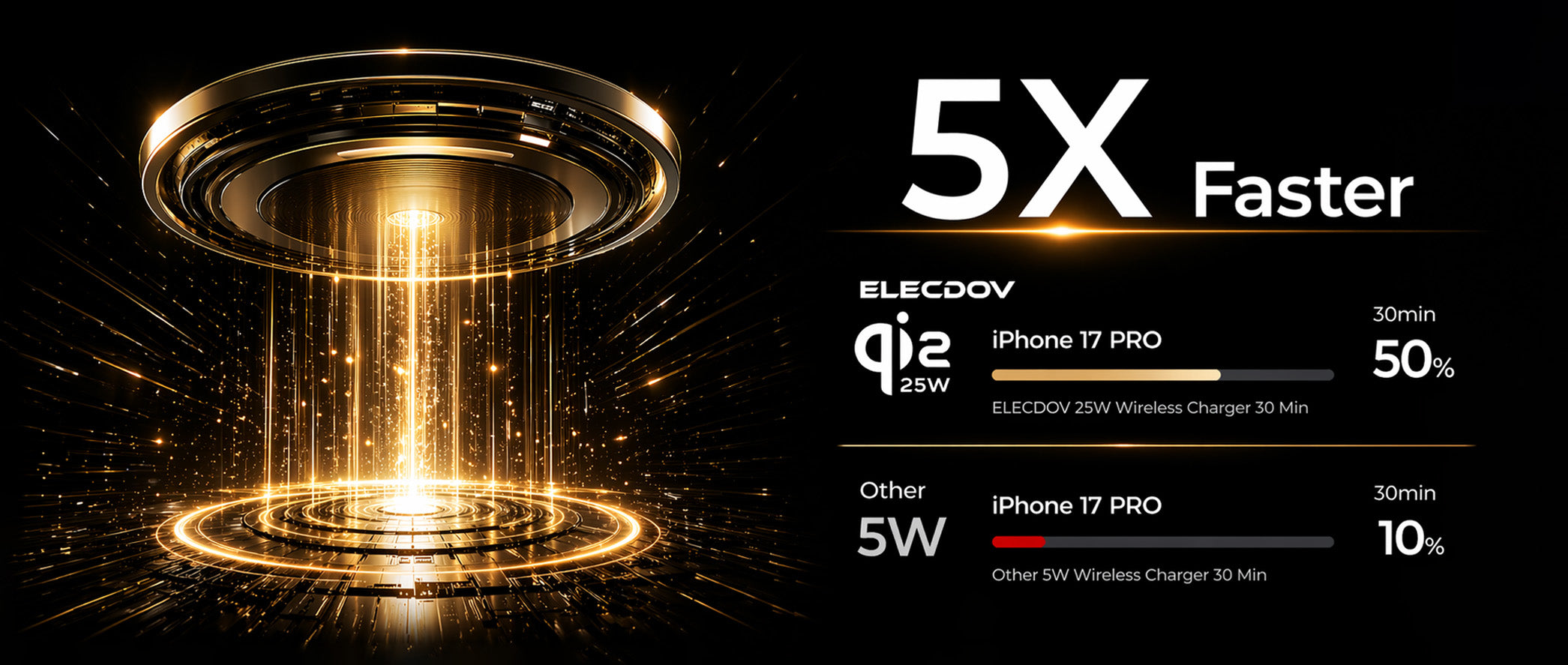
Qi2.2 at 25W delivers iPhone 17 Pro to 50% charge in just 30 minutes — the era of wired-speed wireless charging has arrived.
Introduction: When Wireless Finally Beats Wired
For a decade, wireless charging lived in the shadow of its wired counterpart. The original Qi standard delivered 5W — barely enough to maintain your battery level, let alone actually charge it. Qi1 bumped that to 7.5W for Apple devices and 10W for some Android phones. Then MagSafe and Qi2 brought 15W, which felt like a real breakthrough until you realized your USB-C adapter was still pushing 20W+ through a cable.
April 2026 changes everything. Qi2.2 pushes the wireless power ceiling to 25W, matching or exceeding the wired charging speed that most people actually use. This isn't incremental improvement — it's the moment wireless charging graduates from "convenient overnight solution" to "primary charging method."
The psychological shift here is profound. When wireless charging is as fast as wired, the cable loses its last remaining advantage. Your desk doesn't need a Lightning or USB-C cable dangling off the edge anymore. Your nightstand doesn't need a charging brick within arm's reach. The entire spatial logic of where you place chargers — dictated for years by cable length and outlet proximity — is now free to follow aesthetic and ergonomic priorities instead.
Chapter 1: Understanding Qi2.2 — The 25W Leap from Theory to Desk
The journey from Qi2 at 15W to Qi2.2 at 25W required solving three fundamental engineering challenges simultaneously. Understanding these challenges reveals why this upgrade matters far more than a simple wattage increase.
The Thermal Management Breakthrough
More power means more heat. At 15W, Qi2 chargers already ran warm — warm enough that phones would occasionally throttle charging speeds to protect battery health. Pushing to 25W without solving thermal management would have created chargers that theoretically delivered 25W but practically spent most of their time thermal-throttled down to 12W.
The Qi2.2 specification introduces an active thermal communication protocol between charger and device. Instead of the device independently deciding to throttle (and the charger blindly continuing to push power), Qi2.2 chargers and devices negotiate power delivery in real-time based on:
- Device temperature: The phone reports internal temperature to the charger, which adjusts output accordingly
- Battery state: Current charge percentage, battery health, and charging history inform power curves
- Ambient conditions: Qi2.2 chargers include environmental temperature sensors that anticipate thermal issues before they occur
- User behavior patterns: Some Qi2.2 implementations learn when you typically pick up your phone and pre-condition charging accordingly
This intelligent thermal management means Qi2.2 delivers sustained 25W charging for significantly longer periods compared to a naive power increase. In practical terms, your phone charges faster not because it receives 25W in short bursts, but because it receives high power consistently without thermal interruption.
Magnetic Alignment Precision at Higher Power
At 15W, slight misalignment between phone and charger costs you a few watts — annoying but manageable. At 25W, the same misalignment creates proportionally larger power losses and potentially dangerous hot spots. Qi2.2 addresses this with enhanced magnetic arrays that provide stronger, more precise alignment than Qi2.
The upgraded magnet system creates what engineers call a "self-centering force field" — even if you place your phone slightly off-center, the magnets guide it into optimal position. This means the 25W promise is reliable, not theoretical. You don't need to carefully position your phone; you just set it down and the physics does the rest.
Power Delivery Architecture
Qi2.2's 25W output requires a fundamentally different power delivery architecture than Qi2's 15W. The charger needs a higher-wattage input (typically 30-45W from the wall adapter), more robust voltage regulation circuitry, and improved coil design to handle the increased electromagnetic field.
The Tankya Qi2.2 25W charging stand, announced in April 2026, exemplifies this architecture with a dedicated 45W GaN power adapter that feeds the stand's intelligent power management system. This isn't a Qi2 charger with the dial turned up — it's a ground-up redesign for the 25W era.
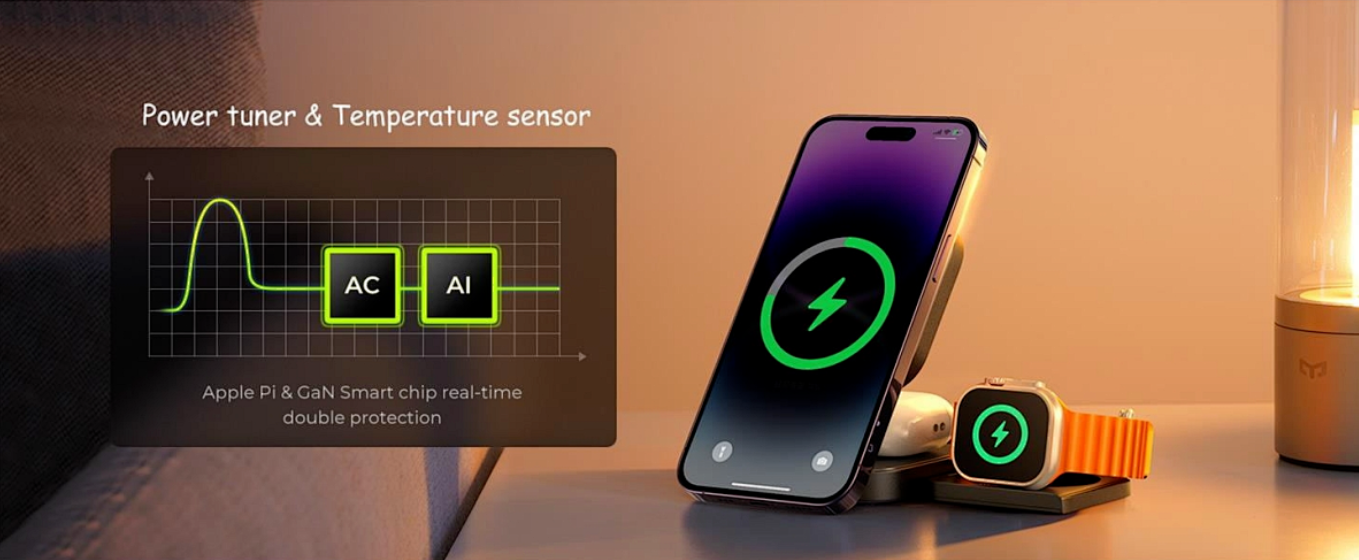
AI-powered power tuning and real-time temperature monitoring ensure sustained 25W delivery — no throttling, no slowdowns.
Chapter 2: The Tankya Qi2.2 25W Stand — First Mover Advantage
In the field of MagSafe and Qi 2.2-certified accessories, the company was the first to announce the launch of a commercial Qi 2.2 25W charging dock in April 2026. This first-mover advantage is significant—it not only establishes credibility in terms of engineering expertise but also grants the company several months of market exclusivity before competitors can catch up.
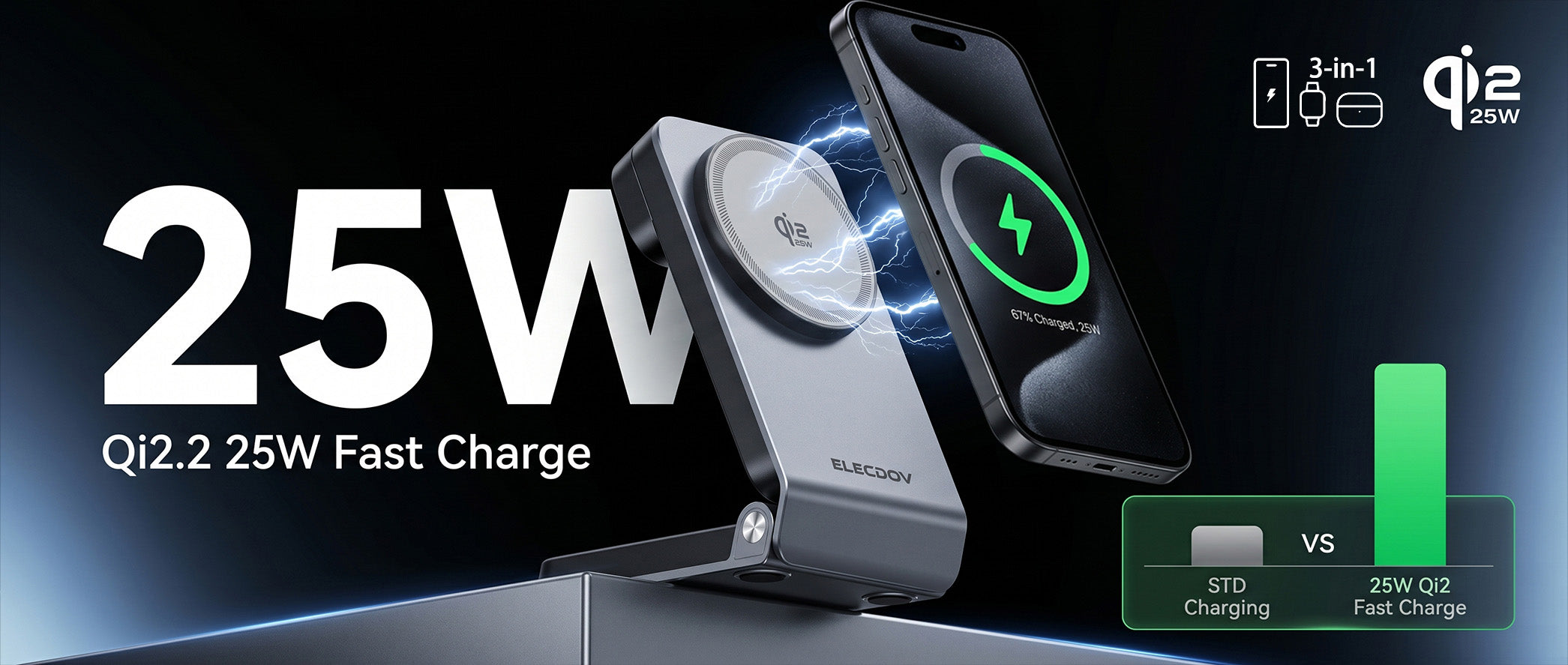
The 25W Qi2.2 charging station delivers high-speed power to your smartphone while keeping watch and earbuds topped up simultaneously.
Design Philosophy: Stand, Not Pad
The decision to launch a stand rather than a pad form factor reveals understanding of how 25W wireless charging changes user behavior. At 15W, you might set your phone on a pad and forget about it — the charge was slow enough that checking progress felt pointless. At 25W, charging becomes interactive again.
A stand positions your phone at a visible angle, allowing you to monitor charging progress, see notifications, and even use the phone while it charges. This is crucial because 25W means your phone goes from 20% to 60% in roughly 20 minutes — fast enough that you'll want to check on it, and useful enough that you might want to use it during a quick charge session.
Key Specifications
| Specification | Tankya Qi2.2 25W Stand | Typical Qi2 15W Stand |
|---|---|---|
| Maximum Output | 25W Qi2.2 | 15W Qi2 |
| Input Requirement | 45W GaN adapter (included) | 20W+ USB-C adapter |
| Charging Time (0-50%) | ~18 minutes (iPhone 16 Pro) | ~30 minutes |
| Charging Time (0-100%) | ~65 minutes | ~110 minutes |
| Magnetic Alignment | Qi2.2 enhanced array | Qi2 standard array |
| Thermal Management | Active device-charger negotiation | Device-side only |
| Viewing Angle | Adjustable 30-75 degrees | Fixed or limited adjustment |
| Apple Watch Charging | Optional integrated puck | Separate or none |
The Find My Integration
Also announced a Find My compatible Bluetooth tracker alongside the Qi2.2 stand — a subtle but telling product pairing. When your charging stand costs more and delivers more, knowing where it is matters more too. This ecosystem thinking (charger + tracker) positions Tankya as more than an accessories manufacturer; they're building a wireless power ecosystem.
Chapter 3: How 25W Wireless Changes Your Desk Workflow
The transition from 15W to 25W wireless charging isn't just about speed — it fundamentally changes the relationship between your devices and your workspace. At 15W, wireless charging was supplementary; at 25W, it's primary.
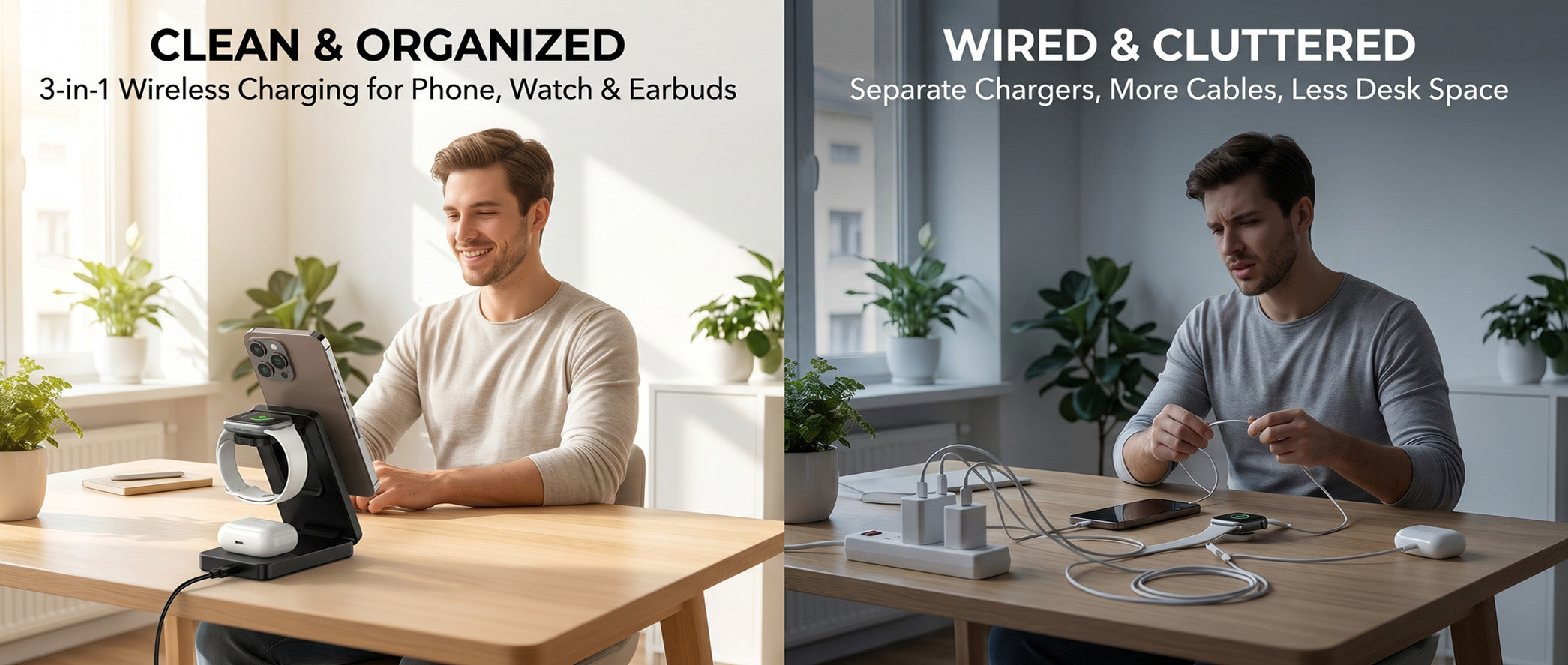
A clean, cable-free desk with a 3-in-1 wireless charging station — phone, watch, and earbuds powered in one tidy spot.
The Elimination of "Charging Anxiety Windows"
With 15W wireless charging, users developed unconscious strategies to compensate for slow charge rates:
- Plugging in during lunch because the wireless pad wasn't fast enough
- Keeping a cable "just in case" for emergency top-ups before meetings
- Charging overnight because daytime wireless couldn't keep up with usage
Qi2.2's 25W speed eliminates these compromise strategies entirely. A 20-minute meeting is long enough to add 40% battery. A lunch break fully restores your phone. The "charging anxiety window" — that period where you know you need power but can't afford to wait — shrinks from hours to minutes.
The Cable-Free Desk Becomes Realistic
The dream of a completely cable-free desk has existed since wireless charging debuted, but 15W was never enough to make it reality. People always kept a cable as backup — "just in case." Qi2.2 removes the "just in case."
When your wireless charger delivers the same speed as your cable, the cable becomes redundant. This transforms desk design from a compromise between aesthetics and function into a pure aesthetic choice. You can position your charger based on where it looks good and feels natural, not where the cable can reach.
Real-World Scenario: The Remote Worker's Morning
Marcus, a product manager working from home, describes his pre-Qi2.2 routine: "I'd wake up, grab my phone at 30%, and immediately plug it in. During my morning standup, I'd be tethered to my desk by a 3-foot cable. If I needed to grab coffee, I'd either miss messages or unplug and lose the charge."
"With the Qi2.2 stand, I set my phone down at 30%, and by the time standup ends 20 minutes later, I'm at 65%. No cable, no tether. I can pick it up, walk to the kitchen, come back, set it down again. The freedom from that physical connection is something I didn't realize I needed until I had it."
Cognitive Clarity Through Simplicity
The human brain processes visual information constantly, even when we're not consciously attending to it. Every cable on your desk is a tiny cognitive tax — your visual system registers it, your brain categorizes it, and a small amount of attention is allocated to its existence. This is the same mechanism that makes a cluttered room feel subtly stressful even when you're not thinking about the clutter.
Eliminating the charging cable removes one of the most prominent visual elements on any desk. The result isn't just aesthetic — it's cognitive. A desk without cables feels calmer, simpler, more intentional. And when your workspace feels intentional, your work feels more intentional too.
Chapter 4: Qi2.2 vs Qi2 vs Wired — The Real-World Comparison
Understanding how Qi2.2 performs against alternatives helps you decide whether upgrading is worthwhile. The comparison below uses real-world charging data, not theoretical maximums.
| Metric | Qi2.2 (25W) | Qi2 (15W) | USB-C Wired (20W) | USB-C Wired (30W) |
|---|---|---|---|---|
| 0-50% Charge Time | ~18 min | ~30 min | ~25 min | ~18 min |
| 0-80% Charge Time | ~38 min | ~65 min | ~55 min | ~40 min |
| 0-100% Charge Time | ~65 min | ~110 min | ~95 min | ~70 min |
| Cable Required | No | No | Yes | Yes |
| Can Use Phone While Charging | Yes (stand) | Limited (pad) | Yes (awkward) | Yes (awkward) |
| Desk Clutter | Zero | Zero | Moderate | Moderate |
| Battery Health Impact | Optimized (smart thermal) | Good | Variable | Variable |
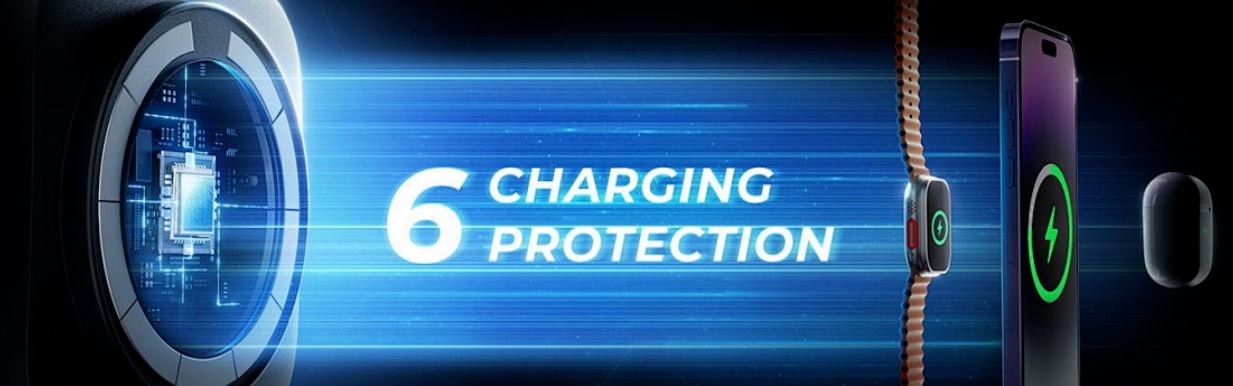
Qi2.2's multi-layer protection system ensures safe, efficient charging — overcharge prevention, temperature control, and short circuit protection built in.
The Inflection Point: When Wireless Beats Wired
Notice that Qi2.2 at 25W matches or beats a 20W wired charger in charging time while offering zero cable clutter. This is the inflection point the industry has been working toward since 2010. The only scenario where wired charging retains an advantage is at 30W+ with a compatible phone and adapter — and even that gap is closing rapidly.
For the vast majority of users who charge with a 20W adapter (the standard Apple and Samsung bundled charger), Qi2.2 wireless charging is now faster than their wired setup. This reality reframes the entire conversation: the question is no longer "why go wireless?" but "why stay wired?"
Chapter 5: Designing the Ultimate Qi2.2 Desk Setup
With Qi2.2 making wireless charging genuinely competitive, it's time to design desk setups that leverage this capability fully. The principles below reflect the new reality where cable management is no longer a necessary compromise.
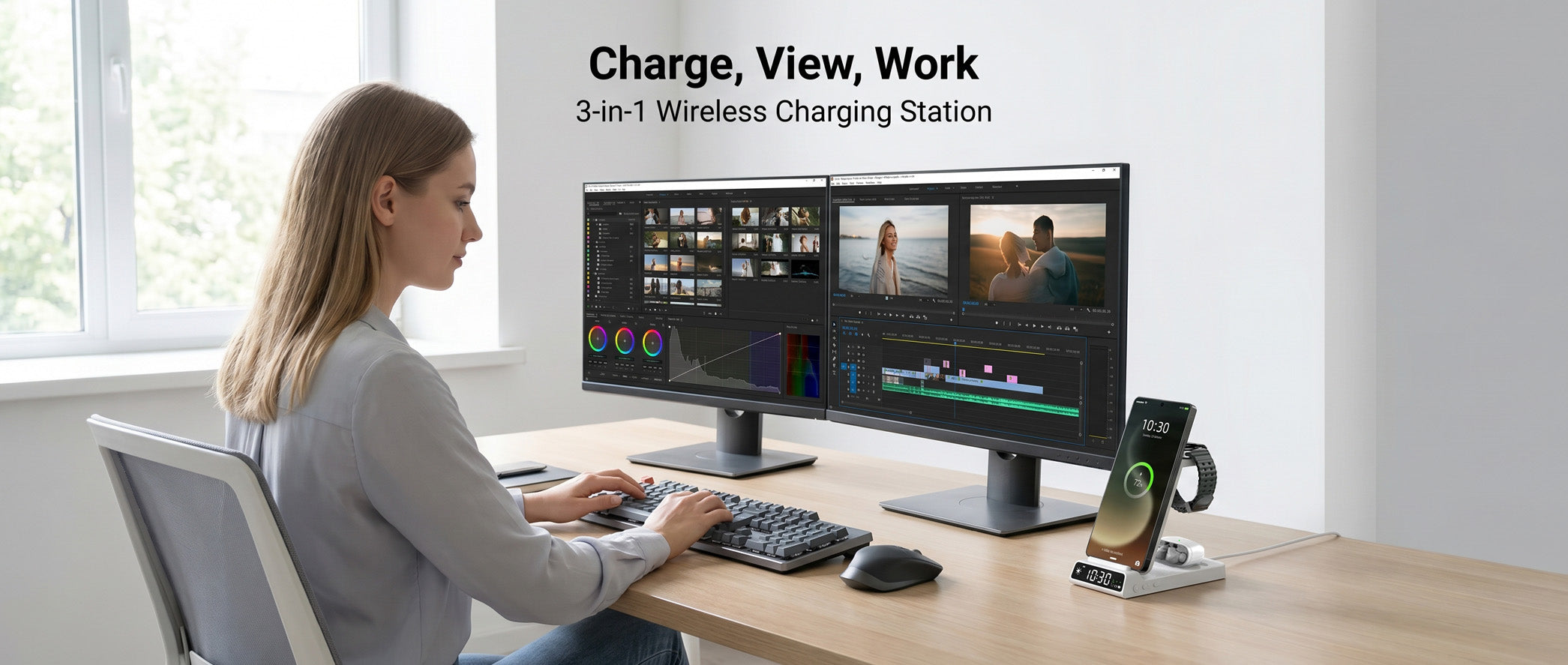
The ideal Qi2.2 desk setup: charge while you work, see notifications at a glance, and keep every device powered — all without a single cable on your desk.
The Single-Pad Philosophy
With Qi2.2 delivering wired-speed power, your desk needs only one primary charging point. Choose a Qi2.2 stand positioned at your non-dominant hand's resting position — typically the left side for right-handed users. This placement lets you set down and pick up your phone without reaching across your body or disrupting your work flow.
Power Infrastructure
Qi2.2's 45W input requirement means you need a dedicated wall outlet or a high-quality power strip with sufficient wattage budget. Don't share a power strip between your Qi2.2 charger, monitor, and laptop dock — the combined draw can cause subtle voltage drops that affect charging consistency.
- Dedicated outlet: Best option — clean, consistent power delivery
- Quality surge protector: Acceptable if total load stays under 80% of rated capacity
- Daisy-chained strips: Avoid — voltage drop affects Qi2.2 performance noticeably
Multi-Device Considerations
If you charge multiple devices (phone, AirPods, Apple Watch), consider a 3-in-1 Qi2 charging station for your secondary devices while keeping the Qi2.2 stand as your phone's primary charger. This hybrid approach gives you maximum phone charging speed while keeping AirPods and Watch topped up on a separate pad.
Implementation Checklist: Qi2.2 Desk Setup
- ✅ Qi2.2 25W stand at non-dominant hand position
- ✅ Dedicated 45W+ power adapter (included with Tankya stand)
- ✅ Separate outlet or quality surge protector (no daisy-chaining)
- ✅ Optional: Qi2 3-in-1 station for Watch/AirPods
- ✅ Remove all USB-C/Lightning cables from desk surface
- ✅ Route power cables behind/under desk
- ✅ Verify Qi2.2 compatibility on your phone (iPhone 16 Pro, Samsung Galaxy S25 series, and newer)
Core Q&A
Q1: Will Qi2.2 25W chargers work with my current phone?
A: Qi2.2 chargers are backward compatible with Qi2 and Qi1 devices. However, to actually receive 25W charging, your phone needs Qi2.2 support. As of April 2026, the iPhone 16 Pro/Pro Max and Samsung Galaxy S25 Ultra/S25+ support Qi2.2. Older phones will charge at their maximum supported rate (15W for Qi2, 7.5W for Qi1).
Q2: Does 25W wireless charging damage my battery more than slower wireless charging?
A: No — Qi2.2's active thermal management protocol actually protects your battery better than slower, less intelligent charging. The real-time communication between charger and device means power delivery is precisely calibrated to your battery's condition, temperature, and charge state. "Slower" doesn't mean "safer" when the charger lacks intelligence.
Q3: How much does the Tankya Qi2.2 25W stand cost compared to Qi2 alternatives?
A: Qi2.2 stands command a premium over Qi2 models — expect roughly 30-50% more than equivalent Qi2 15W stands. However, the included 45W GaN adapter (typically a $25-35 value) and the elimination of needing a separate wired charger for fast charging make the total cost of ownership competitive.
Q4: Can I use my phone while it's charging on a Qi2.2 stand?
A: Absolutely — and this is one of Qi2.2's biggest advantages over pads and cables. A stand positions your phone at a comfortable viewing angle, and the 25W speed means even active use during charging still results in net positive charge. With a cable, you're physically tethered; with a pad, you can't see the screen; with a Qi2.2 stand, you're free.
Q5: Should I wait for Qi2.2 multi-device stations or buy a Qi2 3-in-1 now?
A: It depends on your primary device. If you have a Qi2.2-capable phone (iPhone 16 Pro or Galaxy S25 Ultra), the speed difference is dramatic — get a Qi2.2 stand for your phone and a separate Qi2 pad for accessories. If your phone tops out at Qi2 15W, a Qi2 3-in-1 station is still excellent and you can upgrade the phone-side later.
Q6: How does Qi2.2 compare to Samsung's Super Fast Charging 2.0?
A: Samsung's Super Fast Charging 2.0 (45W wired) remains faster for full-speed wired charging on Samsung devices. However, Qi2.2 at 25W wireless delivers comparable practical charging times because wireless eliminates the friction of cable management. Most users find they charge more consistently (and thus maintain better battery levels) with wireless, even if peak wired speed is higher.
Ready to Cut the Last Cable?
Explore our Qi2.2 25W charging collection and experience wired-speed wireless charging for the first time.
Shop Qi2.2 Chargers →
Elecdov Team
Wireless charging experts helping you build the perfect power ecosystem.


